Creating an Efficient Workspace That Enhances Focus
31 December 2025
Let’s be honest—trying to stay focused in a cluttered, noisy, or uninspiring workspace feels like trying to study in the middle of a rock concert. The background distractions become the lead singer, and your productivity quietly sneaks out the back door.
But what if I told you that you could build a workspace that doesn't just "look nice," but actually boosts your focus, streamlines your tasks, and helps you get into that magical flow state? Yep, we’re talking about creating an efficient workspace that enhances focus—and yes, it's absolutely possible, even if you work from a kitchen table or a tiny corner of your bedroom.
So grab your favorite drink (coffee? matcha? That fancy fizzy water?), settle in, and let’s dive into some game-changing tips to transform your workspace into your productivity powerhouse.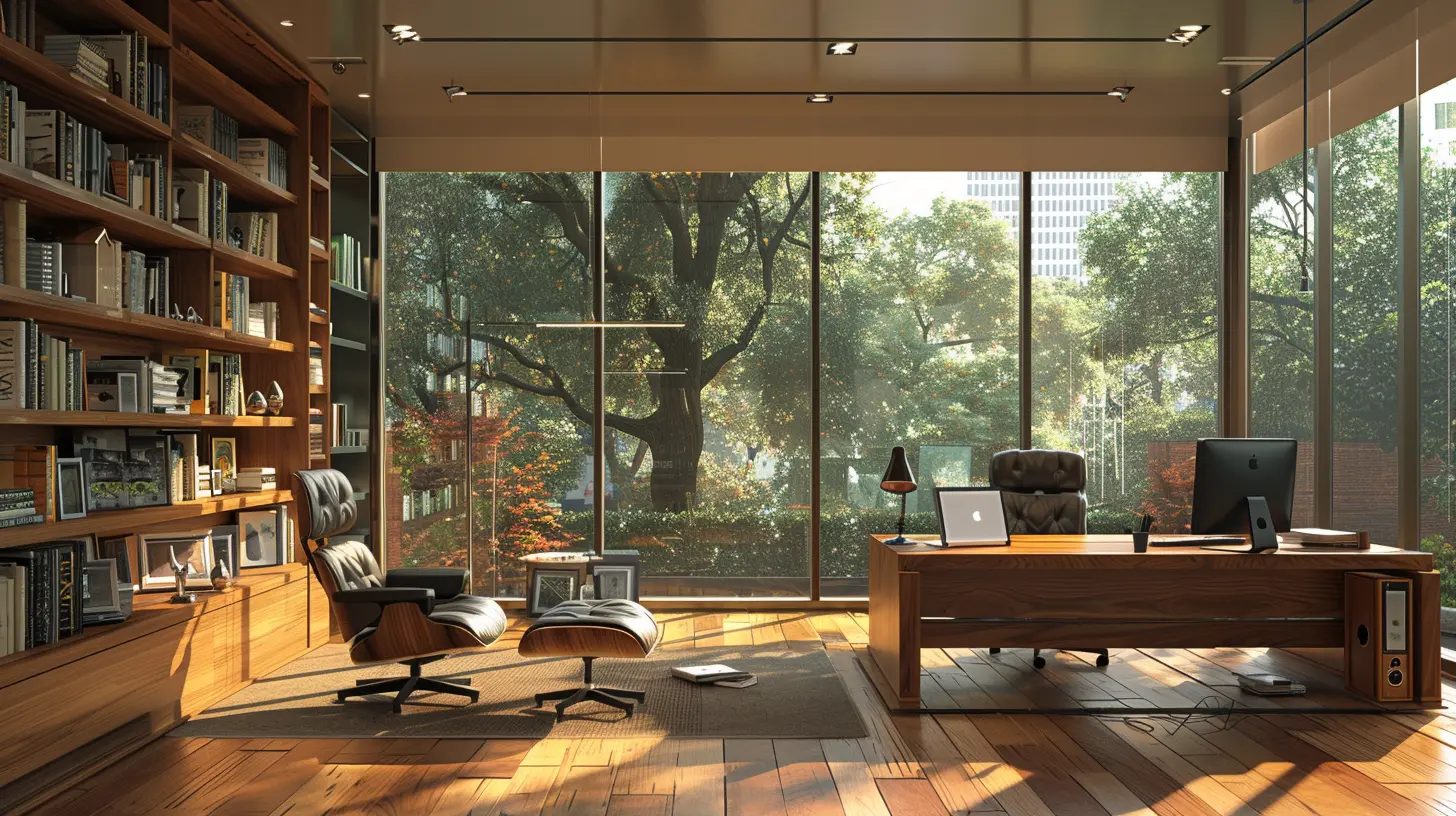
Why Your Workspace Matters More Than You Think
Before we get into the nitty-gritty, let's talk about why your physical workspace is such a big deal.Have you ever sat down to work and instantly felt overwhelmed—not by your to-do list, but by the piles of papers, tangled cords, or random objects staring at you from your desk? That’s because your environment has a direct impact on your mental clarity and focus.
Think of your brain as a browser. Every bit of clutter is a new tab you didn’t ask to open. They slow things down, drain your mental RAM, and make it way harder to focus on what really matters.
By intentionally designing your space to support productivity, you’re giving your brain the green light to buckle down and actually get stuff done.
Step 1: Declutter Like a Boss
First things first—get rid of the chaos. You can’t expect your brain to operate like a Swiss watch if your desk looks like a junk drawer exploded.Start With the Obvious
If you haven’t touched it, looked at it, or needed it in over a week, it probably doesn’t need to be there. File it, toss it, or find a better home for it.Keep Only the Essentials
What do you really need within arm’s reach? Laptop, notebook, pen, maybe a water bottle. Everything else can have a designated storage spot—preferably not taking over your desk real estate.Go Digital Wherever Possible
Still holding on to paper receipts, sticky notes, or printed reports? It's 2024. Digitize it. Tools like Notion, Evernote, or Google Drive can be your best friends for keeping your desk (and your mind) clear.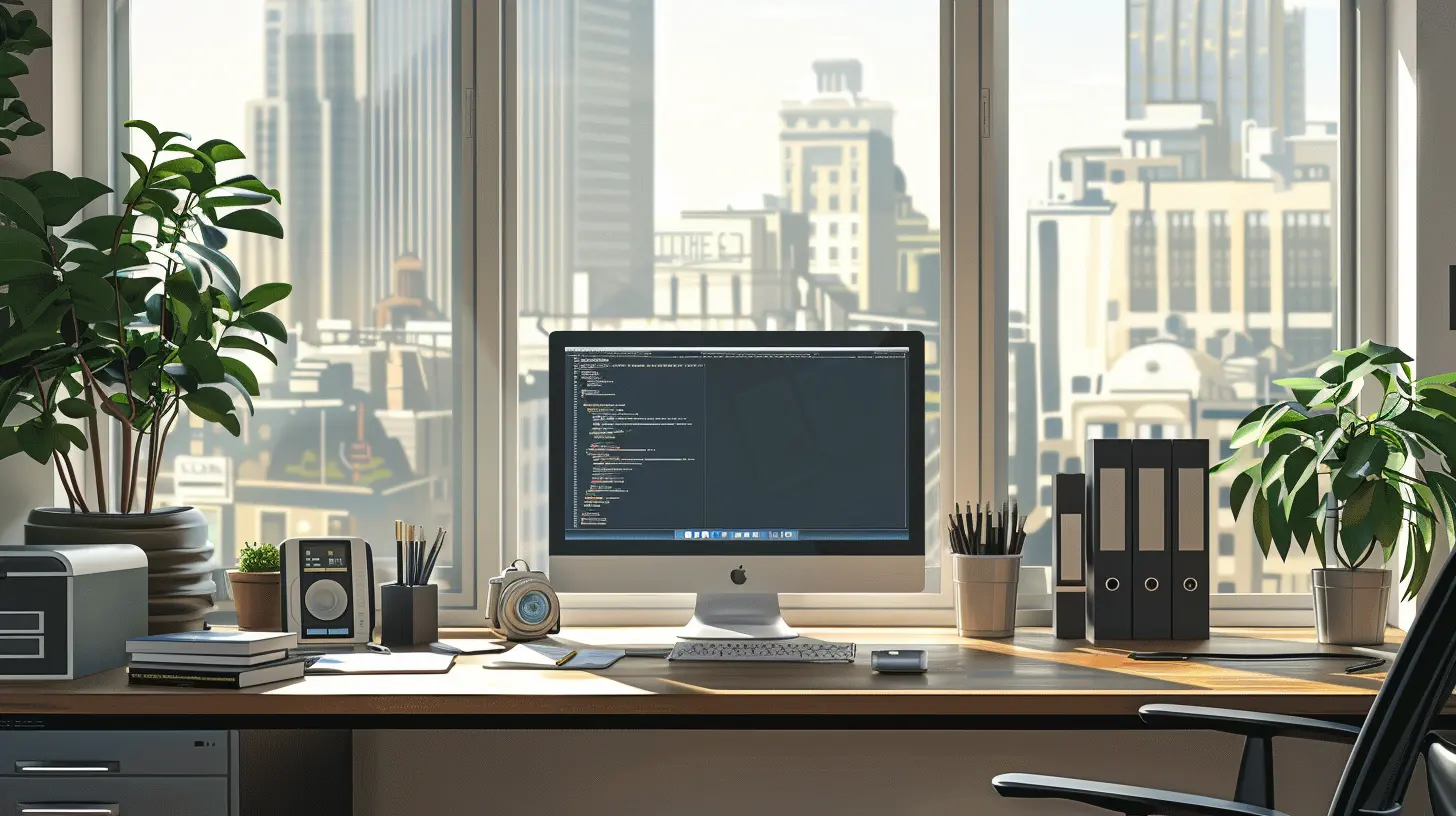
Step 2: Choose the Right Location
Location, location, location—it doesn’t just apply to real estate. Where you place your workspace in your home or office majorly influences your focus.Find Your "Productivity Corner"
If you're working from home, avoid high-traffic areas like the kitchen or living room where distractions are inevitable. A quiet corner or spare room with a door (yes, we love a door) will give you a better shot at staying in the zone.Natural Light Is Your Secret Weapon
Position your desk near a window if you can. Natural light boosts mood, improves energy, and reduces eye strain. It’s like photosynthesis for humans—sunlight = productivity fuel.Mind the Noise Level
If you can't control the noise (hello, barking dogs and construction), consider investing in noise-canceling headphones or use white noise or ambient sound apps to drown out distractions.
Step 3: Invest in Ergonomics
Let’s not forget—you could have the most Instagram-worthy desk setup, but if it physically hurts to sit there, you're not going to last long.Get a (Good) Chair
Your chair is the throne of your kingdom. Choose one that's supportive, adjustable, and designed for long-term comfort. Your back will thank you later.Your Desk Height Matters
Your desk should allow your arms to rest comfortably while typing, with your elbows at a 90-degree angle. If you're straining to reach your keyboard, it's time for an upgrade—or at least a few desk risers.Monitor Level = Eye Level
Stack books under your laptop or get a monitor stand so your screen is at eye level. This simple tweak prevents neck pain and makes you look 25% more like you’ve got your life together. Bonus!Step 4: Organize Like a Minimalist (But Not a Monk)
You don’t need a sterile, empty desk…but there’s a fine line between "organized" and "chaotic."Embrace Zones
Think of your workspace like a kitchen: you’ve got your cooking area, your prep zone, and your storage. Give your desk similar zones—work essentials in one spot, reference materials in another, personal touches kept minimal.Use Storage Wisely
Drawers, shelves, and organizers are lifesavers. Label things. Use trays or bins to group similar items. If everything has a place, it’s way easier to keep it all tidy.Daily Reset Ritual
At the end of each workday, take two minutes to reset your space. File a document, toss out wrappers, organize sticky notes. Trust me—tomorrow-you will be grateful.Step 5: Add Personality Without the Distractions
Your workspace should feel inspiring, not like a beige prison.Add a Touch of “You”
Include a few elements that make you smile—maybe a framed quote, a small plant, or a favorite photo. Just don’t overdo it—remember, clutter = kryptonite for focus.Use Color Strategically
Blues and greens are known for their calming effects, while pops of yellow can boost creativity. Think of it like adding seasoning to a dish—just enough to make it tasty without overpowering.Plants Are Your Productivity Buddies
Plants bring life into your space and improve air quality. Plus, they give you a little green companion to talk to when you’re knee-deep in spreadsheets.Step 6: Leverage Technology (Without Letting It Rule You)
Tech should serve you, not control you. Choose useful tools, but don’t get sucked into app overload.Must-Have Digital Tools
Here are a few game-changers for mental clarity:- Task Managers: Todoist, Trello, ClickUp
- Note-Taking Tools: Notion, OneNote, Evernote
- Time Tracking: Toggl, Harvest
- Focus Timers: Pomofocus, Forest
Eliminate Digital Clutter
Think of your desktop like your physical desk. If it’s covered in icons and random files, you’ll be distracted before you even open your first email. Take a few minutes each week to clean it up.Set Boundaries With Notifications
You don't need to know every time you get a new email, Slack message, or social media ping. Turn off non-essential alerts. Your productivity depends on it.Step 7: Create Routines That Support Focus
Even the most beautiful workspace won’t fix bad habits. Build routines around your workday that reinforce your new productivity zone.Start With a Morning Ritual
Get your brain in gear with a consistent pre-work routine. It could be a cup of tea, five minutes of journaling, or reviewing your task list. Cue your brain that it’s go-time.Use the Pomodoro Technique
Break your work into focused 25-minute sessions, followed by 5-minute breaks. It’s like interval training for your brain—and it actually works.End With a Wind-Down
Just as you start your day with intention, end it with a routine, too. Reflect on what you accomplished, prepare your to-do list for tomorrow, and shut down your workspace. It tells your brain, “Work is done. Time to relax.”Final Thoughts: Your Workspace Is Your Ally, Not Your Enemy
Creating an efficient workspace that enhances focus isn’t about spending big bucks or building a Pinterest-perfect office. It’s about being intentional. Every chair adjustment, decluttered drawer, or added plant is a vote for your productivity, your creativity, and your sanity.So whether you're starting from scratch or just tweaking a few things, remember this: your space can work for you—not against you. And when it does, you won’t just get more done… you’ll actually enjoy doing it.
Go ahead, roll up those sleeves and start building your focus-fueled, clutter-free, get-stuff-done sanctuary. Your future self will high-five you.
all images in this post were generated using AI tools
Category:
ProductivityAuthor:

Caden Robinson
Discussion
rate this article
2 comments
Jace McAlister
An efficient workspace is essential for boosting focus and productivity. By integrating ergonomic furniture, minimizing distractions, and fostering a motivating atmosphere, businesses can significantly enhance employee performance and overall job satisfaction.
February 7, 2026 at 4:51 AM
Caden Robinson
Absolutely! An efficient workspace is key to enhancing focus and productivity. By prioritizing ergonomic design and minimizing distractions, businesses can create an environment that boosts employee performance and satisfaction.
Olympia McClintock
Great tips! A well-organized workspace can make such a difference. Small changes can lead to big boosts in focus and productivity. Thanks for sharing!
January 6, 2026 at 11:34 AM
Caden Robinson
Thank you! I'm glad you found the tips helpful. Small changes really can create a big impact!